Guides
In-depth Bee Shrimp Aquarium guides: getting started, camera controls, feeding, customization, and aquascape tips for calm viewing.
View all GuidesAquascapes, guides, and settings for Bee Shrimp Aquarium.
Unofficial Bee Shrimp Aquarium wiki covering aquascape guides, lighting modes, customization, and Steam tips for calm shrimp viewing.
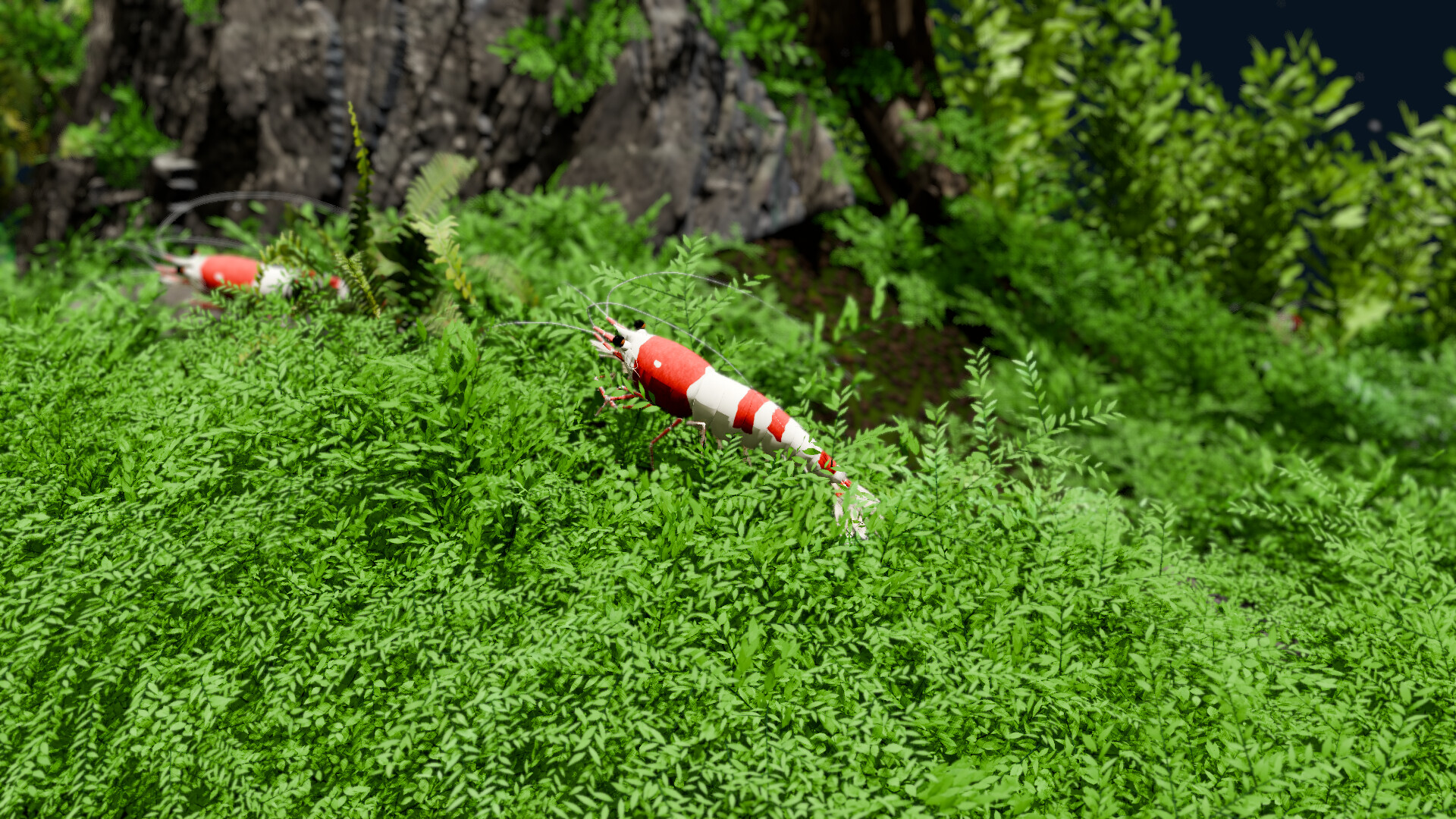
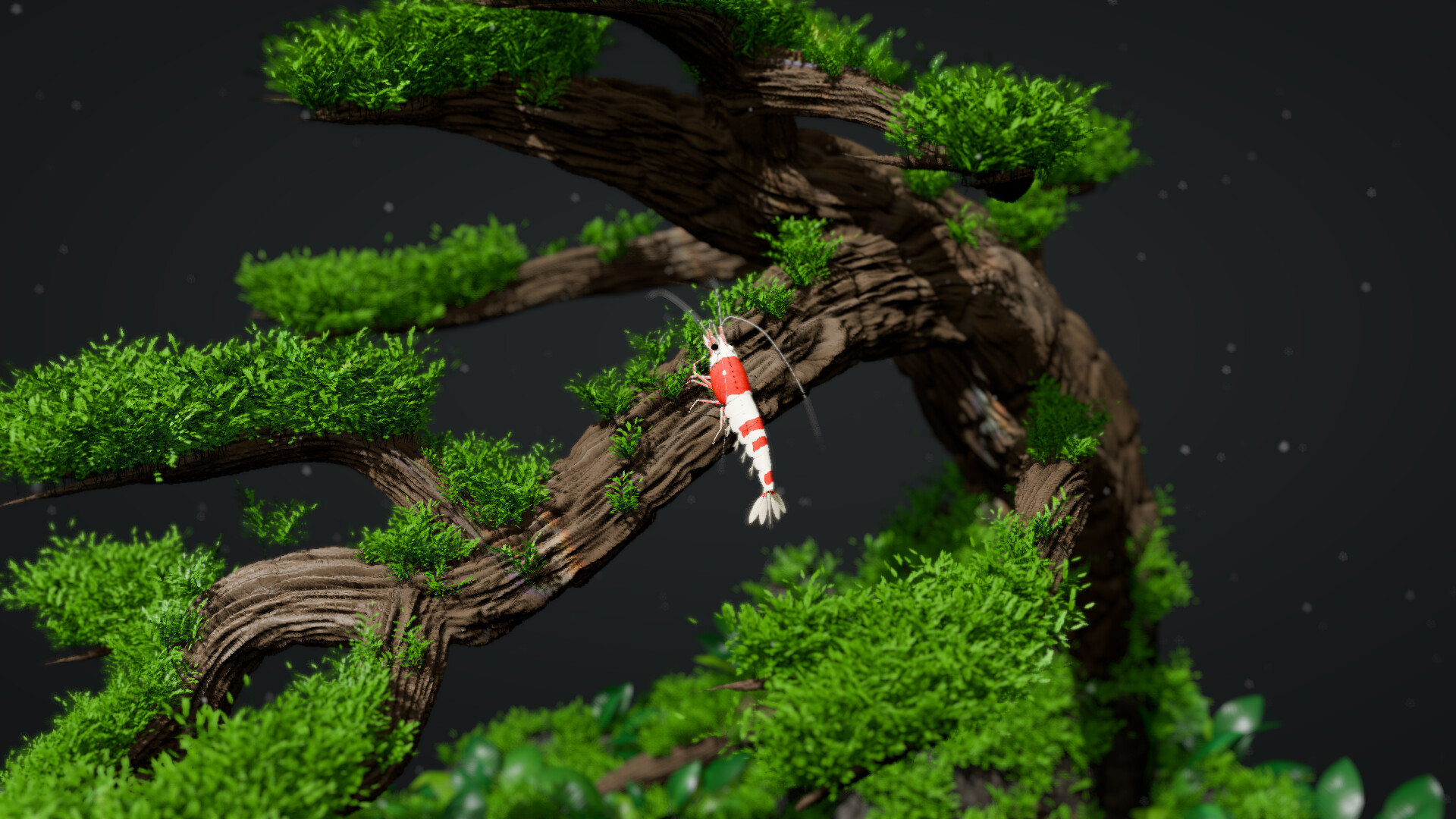
Bee Shrimp Aquarium is a single-player 3D observation game by TRANAZ. Watch bee shrimp graze, groom, and swim across 12 aquascapes, switch daylight, sunset, or moonlight lighting, and customize shrimp count, patterns, colors, and sizes. There is no breeding or water management — the focus is calm viewing. Start with the beginner guide, compare scenes on the aquascape rankings, tune best settings, check Steam & demo info, and read our review.
In-depth Bee Shrimp Aquarium guides: getting started, camera controls, feeding, customization, and aquascape tips for calm viewing.
View all GuidesFan scenic tier lists for Bee Shrimp Aquarium: aquascape vibes and lighting moods ranked for calm viewing sessions, not competitive meta.
View all Tier ListBee Shrimp Aquarium patch and launch tracker: day-one scope, Steam notes, and what changed after the November 20, 2026 release date.
View all UpdatesPC tools for Bee Shrimp Aquarium: system requirements checklist, performance tips, and best viewing settings for calm desktop observation.
View all ToolsBee Shrimp Aquarium Steam hub: no redeem codes, current price and promo window, demo download, store page tips, and Family Sharing.
View all Steam & DemoHonest Bee Shrimp Aquarium review hub: who observation gameplay is for, cozy strengths, hard limits, and whether the demo fits you.
View all ReviewOfficial Bee Shrimp Aquarium links hub: Steam store page, developer TRANAZ, X @kengo700, and this fan wiki gathered in one trusted place.
View all LinksOpen Bee Shrimp Aquarium on Steam, then follow the getting started guide to rotate, pan, and zoom so you can watch shrimp graze and groom up close.
Try moss and driftwood, bonsai, marimo, fallen leaves, waterfall, and more. Our aquascapes guide explains each scene and what stands out.
Adjust shrimp count, pick from 5 patterns, 2 colors, and 3 sizes, then tweak background color and water sound volume with the customization guide.
Compare calm versus dramatic tanks on the aquascape rankings so you know which scenes work best for desktop viewing or streaming.
Switch daylight, sunset, or moonlight and dial in visuals with best settings for smooth observation on your PC.
Quick answers to the most common questions.
Bee Shrimp Aquarium launched on Steam on November 20, 2026, developed and published by TRANAZ for about $4.99 (launch promo may vary). See Steam & demo for store details.
No. The game is a pure observation experience — no breeding, planting, rock layout, or water-quality systems. Focus on viewing, feeding reactions, and customization instead. Start with the beginner guide.
There are 12 aquascapes, including moss and driftwood, bonsai, marimo, fallen leaves, and a flowing waterfall. Browse them in the aquascapes guide or compare picks on the aquascape rankings.
The Steam game ships with English, French, German, Spanish, Brazilian Portuguese, Russian, Simplified/Traditional Chinese, Japanese, and Korean. This fan wiki is available in English, French, German, and Spanish.
Check the current Steam store page for demo availability and wishlist options. Our Steam & demo hub tracks launch pricing, promo notes, and related store info.
Minimum specs target a modern Windows PC (for example Windows 11 64-bit, mid-range CPU/GPU, 8 GB RAM). Use best settings to balance lighting quality and smooth camera movement.
Yes — auto camera rotation and random aquascape/lighting cycles make it useful as a calm backdrop. See our review and aquascape rankings for viewer-friendly setups.
From first launch to aquascape picks and lighting setups, our guides cover every viewing option. Start with the beginner guide, browse aquascape rankings, or open best settings.
Start with the beginner guide